What if you could build premium, Apple-style 3D scrolling animations for your website using nothing but AI? That's the claim from Chase H., and he's assembled a step-by-step guide proving it's possible. The secret lies in combining Claude Code—an AI coding assistant—with Nano Banana 2, Google's latest image generation model. The result isn't a video file playing on loop; it's a series of individual frames that load as users scroll, creating that signature Apple-style effect you've seen on product pages. And unlike the generic AI slop flooding the web, this approach produces something genuinely distinctive.
How Scroll-Driven Animation Works
The technique isn't magic. It borrows from Apple's visual playbook: start with one image (a keyboard at rest), then generate a second image showing what happens after movement (the deconstructed keyboard). These two still frames feed into an AI video model—Chase recommends either Cling 3.0 or VO 3.1—which interpolates the transition between them, generating a smooth animation.
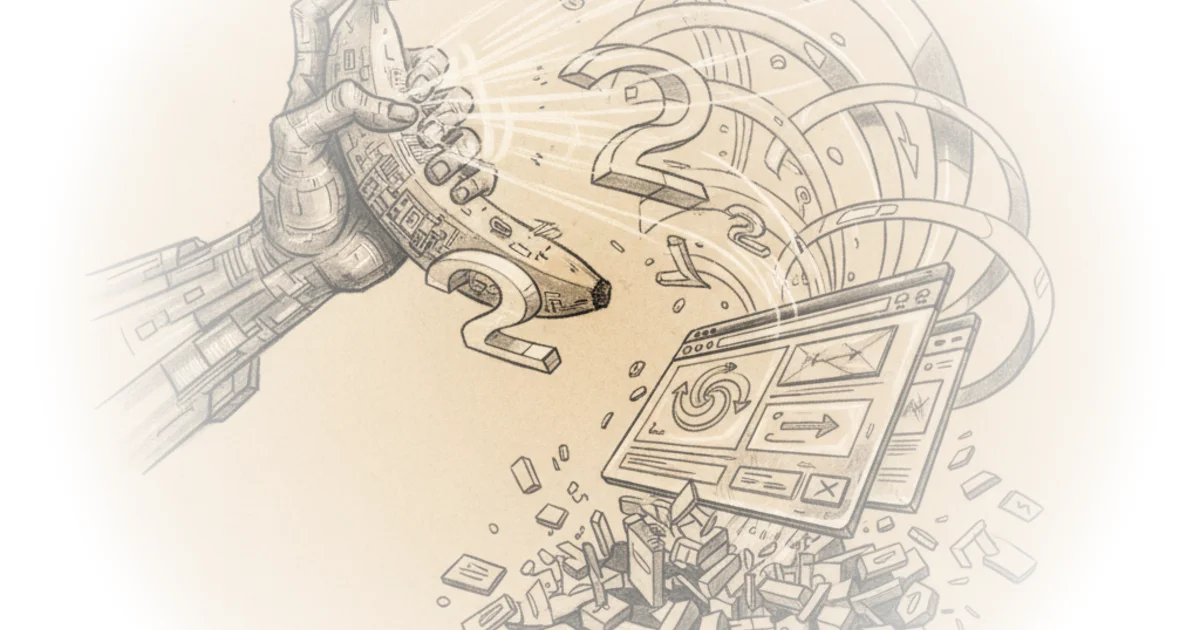
The final step transforms that video into what developers call a flip book: extracting every frame individually rather than loading a continuous video file. This matters because it dramatically improves performance. The frames load as users scroll instead of trying to buffer an entire clip.
Step-by-Step Process
First, generate your starting image in Nano Banana 2 at 2K quality. Define what you're showcasing—in Chase's example, it's headphones or a keyboard. Match your background color to your website; white backgrounds need white websites, black backgrounds need black sites. This alignment is crucial for the effect to feel natural.
Next, use that first image as a reference for generating the ending frame. A simple prompt like "X-ray image showing component parts in detail" works well because the reference image does most of the heavy lifting. Once satisfied with both frames, feed them into your chosen video model along with a transition prompt describing how the object should transform—think gradual transparency revealing inner components rather than wild twisting.
After generating the video, extract all frames using FFMPEG—a free tool that pulls individual images from the video. Then feed these to Claude Code with best practices for scroll animation implementation: pre-load frames, use WEBP format instead of JPEG, and ensure the background matches your site exactly.
Implementation Best Practices
The key to buttery-smooth results isn't just generating content—it's optimizing delivery. Chase emphasizes three critical factors:
Pre-loading frames prevents jerky playback. WEBP format offers superior compression without quality loss. Background matching between generated images and your actual website ensures visual coherence; mismatched colors will clash obviously.
A note on scrolling speed: eight heavy scrolls through the animation feels sluggish. Adjust expectations accordingly—users may need to scroll more deliberately to experience the full transition.
Counterpoints
Critics might argue this technique requires significant technical knowledge despite claims of simplicity. The process involves multiple tools, understanding of image generation parameters, and integration with web development workflows that average users may find intimidating.
A reasonable counterargument: while the approach produces distinctive results, it relies on generating AI imagery that could feel artificial compared to hand-crafted motion design. Additionally, performance optimization details like WEBP conversion and frame pre-loading assume some technical literacy that not all content creators possess.
Bottom Line
Chase's guide offers a genuine alternative to the homogenized AI-generated websites flooding the internet. The technique works—his demo shows smooth animation with minimal friction. The biggest strength is immediate visual distinction: no more generic AI slop. The vulnerability lies in whether this level of customization remains accessible once you move past the tutorial and into real production. For now, if you want your site to look premium rather than automated, this process delivers exactly what it promises.